
Here's How You Can Read the Redacted Information in the Epstein Files
This is definitely a life (sentence) hack.

Published Dec. 23 2025, 11:53 a.m. ET

Since the so-called Epstein files are finally making their way to the public, much of social media has been scouring what has been released thus far. Unfortunately, those who have the time and finger dexterity required to read the thousands of documents are hitting a bit of a roadblock. The files are heavily redacted to the point of comic absurdity.
According to CBS News, of the documents that were released in the first round, 550 pages were fully redacted. If you're having trouble imagining what that looks like, simply picture a black sheet of paper. Perhaps the DOJ was feeling the heat when they posted this to X (formerly Twitter): Documents and photos will continue to be reviewed consistent with the law and with an abundance of caution for victims and their families. Thankfully, we can bypass this. Here's how to view the unredacted files.
Here's how to read the unredacted Epstein files.
In a post to X, the @OpDeathEaters account shared how folks can read unredacted versions of the Epstein files. If you go to the DOJ's website, you can highlight redacted text and paste it into another document. This "reveals what was hidden," wrote OpDeathEaters. But wait, there's more!
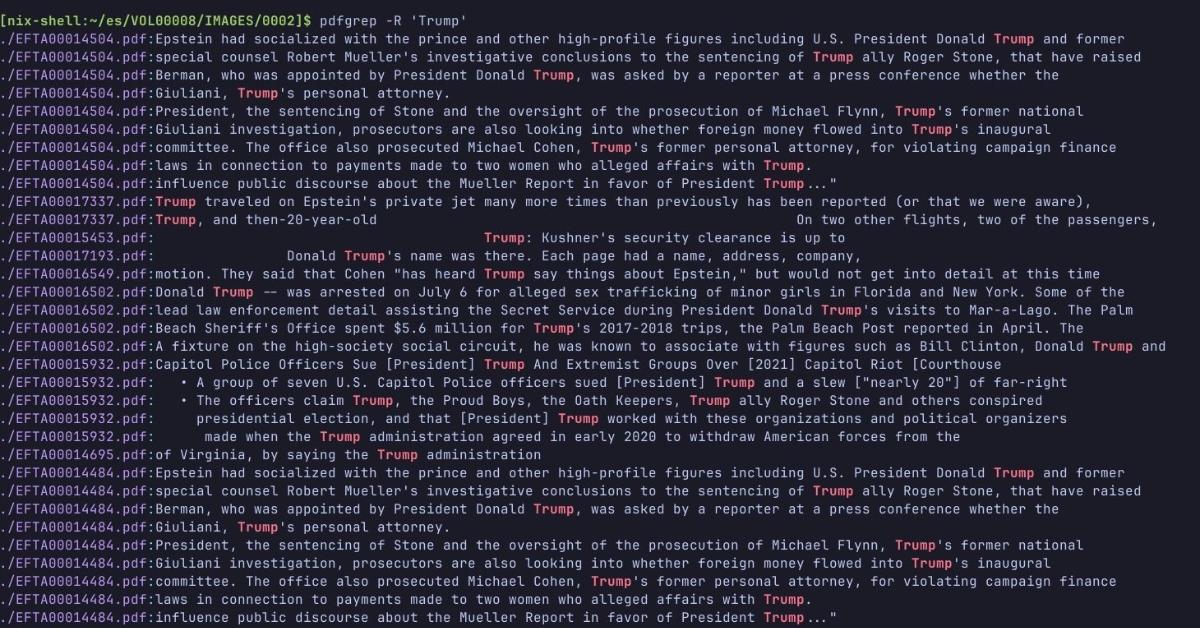
A few people noticed that President Donald Trump's name was hard find using a classic Ctrl+F. We know he's in there because, according to the Wall Street Journal, Attorney General Pam Bondi confirmed that Trump's name appears "multiple times." Bondi even told Trump he was all over the files. So why doesn't his name come up when one does a search for it?
Have no fear because this problem has also been solved. Per a screenshot shared by OpDeathEaters from a post from Steve Gatewood, if you add a space after typing in Trump, it will pull up the president's name roughly 600 times. Steve thinks someone at the DOJ blocked the search for Trump's name, but neglected to add the space. Until this is corrected, have at it!