
What Happens When You Archive a Post on Instagram? The Social Media Feature Explained
Because sometimes, deleting a post feels a bit extreme.

Published Dec. 30 2025, 1:42 p.m. ET

Those who have been on Instagram long enough to see its many iterations know the app loves keeping score. For instance, there are literally photos of me on there from when the Instagram filters were introduced back in the early 2010s that look starkly different from the baddie I am today. Can you say cringe?
Fortunately, as more and more updates come to the app, there have been ways for people who have grown with it to erase their past. While deleting an Instagram post has always been an option, some users feel that's a bit too finite, making another Instagram feature, archiving posts, easier to handle.
But, what happens when you decide to archive a post on Instagram, and does doing so mean the post is gone for good? Here's the scoop.
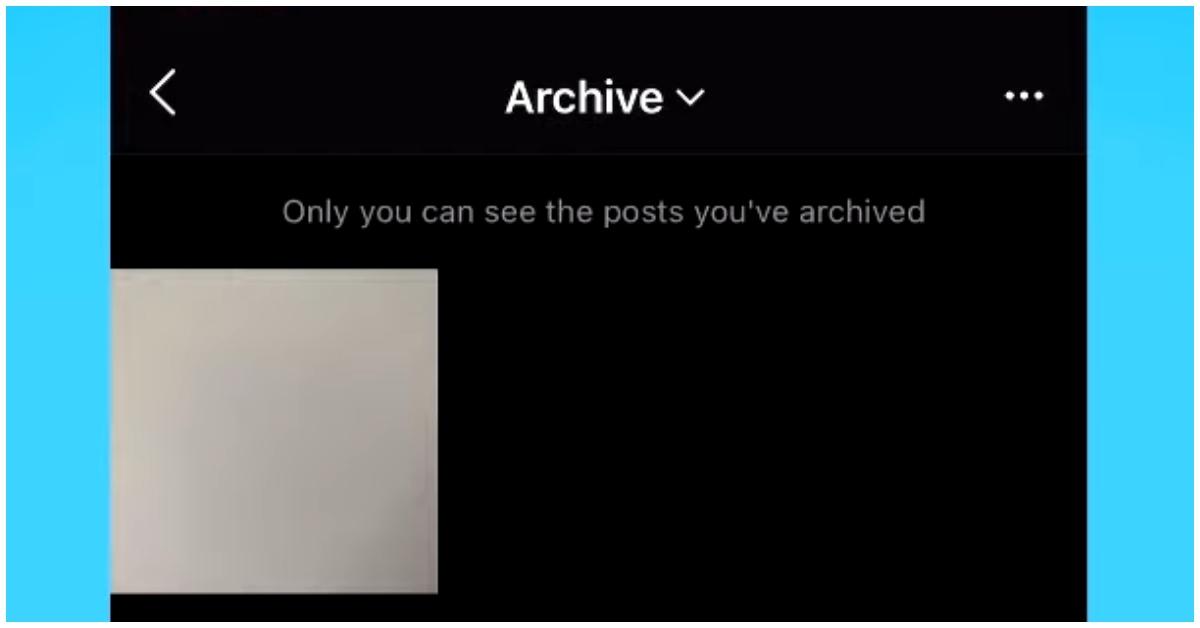
What happens when you archive a post on Instagram?
When you archive a post on your Instagram account, the photo or video vanishes from your public profile. That means that anyone who has access to your main feed will no longer see the post. According to the Instagram Help Center, archiving a post can't be achieved via a laptop or desktop computer, but iPhone and Android users can access the feature on their phones. If you're using an iPhone or the Instagram Lite app, the instructions for archiving a post are as follows:
- Tap the Profile icon (the feature of a faceless human) or your profile picture in the bottom right to go to your profile.
- Tap the post you'd like to archive.
- Tap Options in the top right.
- Select Archive.
For those who have an Android, the instructions are the same, as well as for those who access Instagram via an iPad. Additionally, while the archive feature allows users to hide the post from their followers, any likes or comments on the post will remain on them even after they've been archived.
Can you unarchive an Instagram post?
Although most people who go through archiving a post likely don't want to see them again, changing your mind is always allowed on social media. So, if you decide your post deserves to be on your Instagram feed after all, there is a way to add it back to your profile.
When you unarchive a post, it reappears on your profile in its original chronological position, not as a brand-new post. It won’t show up at the top of your grid or in anyone’s feed as something new. It also won't reappear on your followers' timeline, making it even easier to decide if unarchiving is for you.
To unarchive an Instagram post, go to your Profile, tap the three lines (Menu) > Your Archive, switch to Posts Archive, find the post, tap the three dots, and select Show on profile, which restores it to your grid with all its original likes and comments.
Can people tell if you archived a post?
For some, archiving or unarchiving an Instagram post is easier than deleting it altogether. However, in both cases, the preference is up to the Instagram user, as their followers likely won't notice unless they often peruse your Instagram feed. Instagram won't notify your followers when you've archived your post, and there's no alert, no message, no “so-and-so archived a photo” update. Unless someone was actively looking for that specific post, they likely won’t notice it’s gone.
So, if you’re curating your feed to match who you’re becoming, not who you were, archiving is one of Instagram’s most underrated tools. Will it upset a few ex friends, lovers, or even family members? Maybe. But, that's their loss for not being part of your new aesthetic.