
Frustrated Spotify Users Want to Know — Why Is the App Asking for a Certificate?
Spotify is aware of the issue and is handling things on their end, so the app should be running seamlessly again soon.

Published April 30 2026, 9:12 a.m. ET

Arguably the most popular audio app to date, Spotify enjoys over 761 million active monthly users listening to its music, audiobooks, and podcasts. However, the app has been frustrating those users, as of late, by routinely asking them to provide a certificate.
While many don't even know what that request means, nearly everyone is irritated by the constant need to re-verify their information. So, why is Spotify asking for a certificate, and how can you fix the problem?
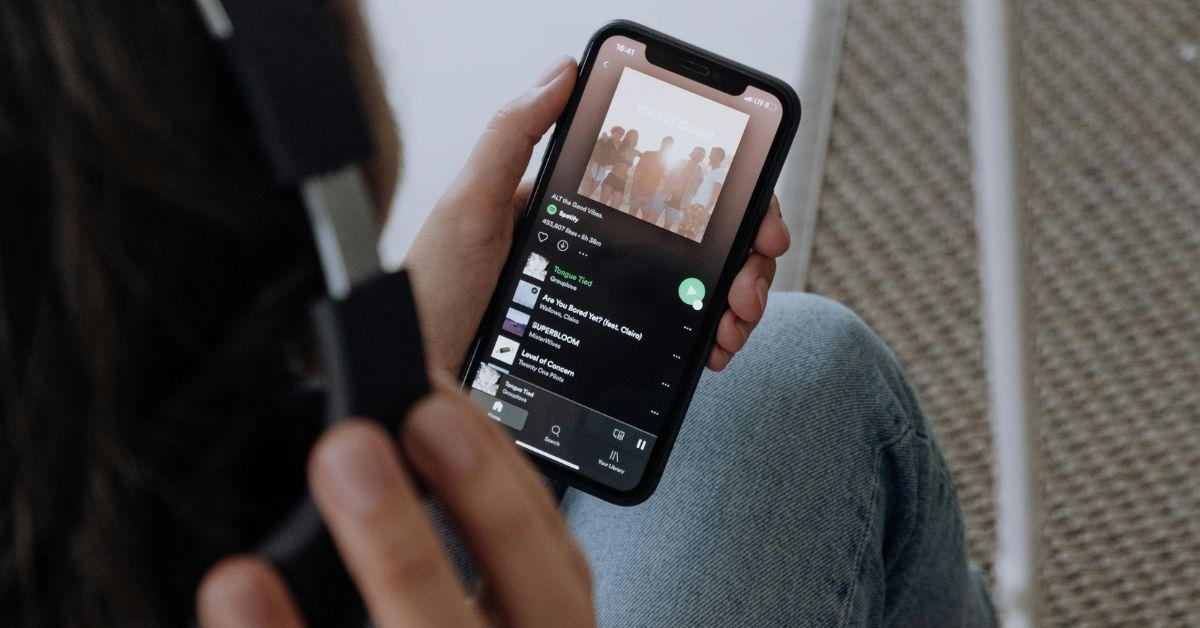
What is a certificate, and why is Spotify asking for one?
There are several possibilities for what a "certificate" on Spotify can mean, depending on the context. It can be an age verification item, before listening to more adult-centered content. Spotify also asks artists for certificates to prove it's really them adding music to their catalog. Similarly, the app may ask artists to provide a certificate as proof of streaming milestones. Lastly, a "certificate" can refer to a security/technical certificate for hardware/API connections
The latter is the one most users are being requested to provide right now, and it appears to be a glitch on Spotify's end. No, there's nothing wrong with your device or how you're using the app; Spotify is just having some good, old, technical difficulties. It seems the app is suffering from an issue of an expired internal security certificate and/or an update gone wrong.
How to fix the problem.
Since the issue lies with Spotify, you can always just wait for the app to resolve the issue itself. However, if you prefer to DIY problem-solve, there are a few things you can try. When the app requests a certificate, simply hit 'Cancel' rather than doing anything. There is a chance that Spotify will allow you to resume normal app usage. You can also pause and then restart Spotify. Some people have reported needing to do that several times, but found that it eventually worked.
As mentioned, if nothing you do on your end is effective, don't worry too much. Spotify is aware of the issue and is handling things on their end, so the app should be running seamlessly again soon, even if you don't do anything at all.

Spotify users have been sharing their frustration.
Of course, Spotify users have been making their feelings about the glitch known. One Reddit user's comment implied that you can still use the app on your phone without issues. They wrote, "I got this too, won't work on desktop app, no matter if I choose 'Okay' or 'Cancel,' but it's working fine on my phone." Another person warned others, "Don't log out, LOL, can't log back in."
Meanwhile, a third person expressed their relief that it's a global problem, "Oh my god, I’m so glad it's not just me, I came here to ask about this." Rest assured that it is not just you, nor is it an issue with your device, and chances are your Spotify listening experience will be seamless again shortly.