
This Is the Reason Why Your Vizio TV Turns off by Itself
The Vizio TV saga is ongoing and users are annoyed.

Published Feb. 19 2026, 11:40 a.m. ET

Let’s face it: As technology evolves, there are times when your devices don’t work as they should. For instance, the Verizon SOS cellular outage or the iPhone 17 camera glitch might ring a bell. No matter how you slice it, electronics that are designed to make our entertainment easier can sometimes be disappointing.
Vizio TV is currently getting trashed due to it powering down on its own. While users have tried everything from restarting their TVs to unplugging them and taking a break, to no avail, it appears there is an explanation for the inconvenience. So, if you’re wondering why your Vizio TV keeps turning off by itself, keep reading for an answer.
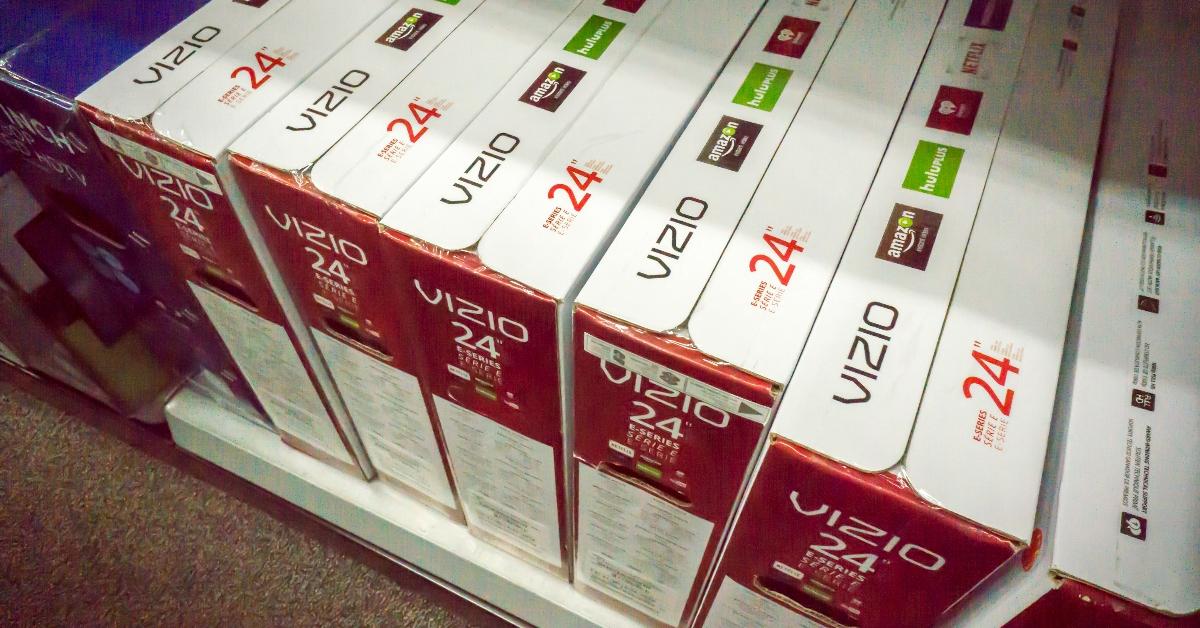
Your Vizio TV may be turning off by itself due to multiple issues.
If you think that you may have mishandled your TV, it’s probably not your fault. According to a Quora message board, there are a bunch of issues that can cause your device to power down.
“A Vizio TV that powers off by itself usually indicates one of a few categories of problems: settings designed to save power, connectivity/remote issues that simulate an off command, software/firmware bugs, hardware faults (power supply, thermal, mainboard), or external devices sending power-off signals,” the message board reads.
Interestingly, past issues with the brand reveal that software/firmware bugs were the root cause of the issue.
“I called Vizio, and they are working on a fix because the last update is causing it to do this, and when they fix the bug, they said, ‘it should fix itself,’” one Reddit user shared in a 2022 post.
The Quora board suggests many ways to try to fix the issue. As a first step, the site suggests “unplugging the TV for 60 seconds, then plug back in.” You can also disable all energy-saving and auto-shutoff settings in the TV menu, and disconnect external devices — from HDMI, antennas, and USB — to see if the TV returns to normal. Users can also update the TV firmware by going to “Settings,” then “System,” and selecting “Check For Updates.”
However, if none of these seem to solve the problem, other measures should be taken, such as checking outlets for dust, replacing surge protectors, and examining the power cord for damage. It’s also smart to check for internal faults that can manifest as LED indicators behaving oddly, clicking sounds, or your TV not powering back on without unplugging.
Sometimes, it’s best to contact the manufacturer.
While most folks are technology-challenged, the idea of fixing a TV issue can sound complicated. That said, don’t shy away from contacting Vizio directly.
A Vizio representative can not only help you troubleshoot, but they can also let you know if what you're experiencing is normal. That said, should there be a deeper issue with your TV, the company may issue you a refund or replace your TV with a new one, depending on your warranty, of course.